java处理扩大与缩小图片
本文介绍了如何使用Java ImageIO API处理图片,包括图片放大缩小操作,创建分层效果,灰度处理,颜色转换如变绿、负片和红化,以及图像锐化。通过实例展示了如何调整图片尺寸和应用色彩变换技术。
java处理扩大与缩小图片
文章信息
- 原文链接:https://jiayq.blog.csdn.net/article/details/108871252
- 发布时间:2020-09-29 16:45:05
- 阅读量:2
- 分类:java同时被 2 个专栏收录, 订阅专栏, 计算机图形
- 标签:#ImageIO处理图片, #Java操作图片, #Java修改图片的颜色, #Java一键处理图片, #java自定义图片大小
摘要
文章浏览阅读2.2k次。本文介绍了如何使用Java ImageIO API处理图片,包括图片放大缩小操作,创建分层效果,灰度处理,颜色转换如变绿、负片和红化,以及图像锐化。通过实例展示了如何调整图片尺寸和应用色彩变换技术。
java处理扩大与缩小图片
- 图片扩大与缩小
- 图片分层
- 图片灰度处理
- 图片变绿色负片
- 图片红化
- 图片锐化
java处理扩大与缩小图片
图片扩大与缩小
在java.desktop.javax.imageio包下有操作图片相关的类。
不过,这些ImageIO只支持一些常见的图片类型:jpg,png等。
使用起来也不难:
1
2
3
4
5
6
7
8
9
10
11
12
13
    @Test
    public void testUp1() throws IOException {
        ClassPathResource classPathResource = new ClassPathResource("test.png");
        BufferedImage bufferedImage = ImageIO.read(classPathResource.getInputStream());
        BufferedImage image = new BufferedImage(2000,1100 , bufferedImage.getType());
        Graphics2D graphics = image.createGraphics();
        graphics.drawImage(bufferedImage, 0,0,2000,1100,null);
        graphics.dispose();
        OutputStream outputStream = new FileOutputStream("out.jpg");
        ImageIO.write(image, "jpg", outputStream);
        outputStream.flush();
        outputStream.close();
    }
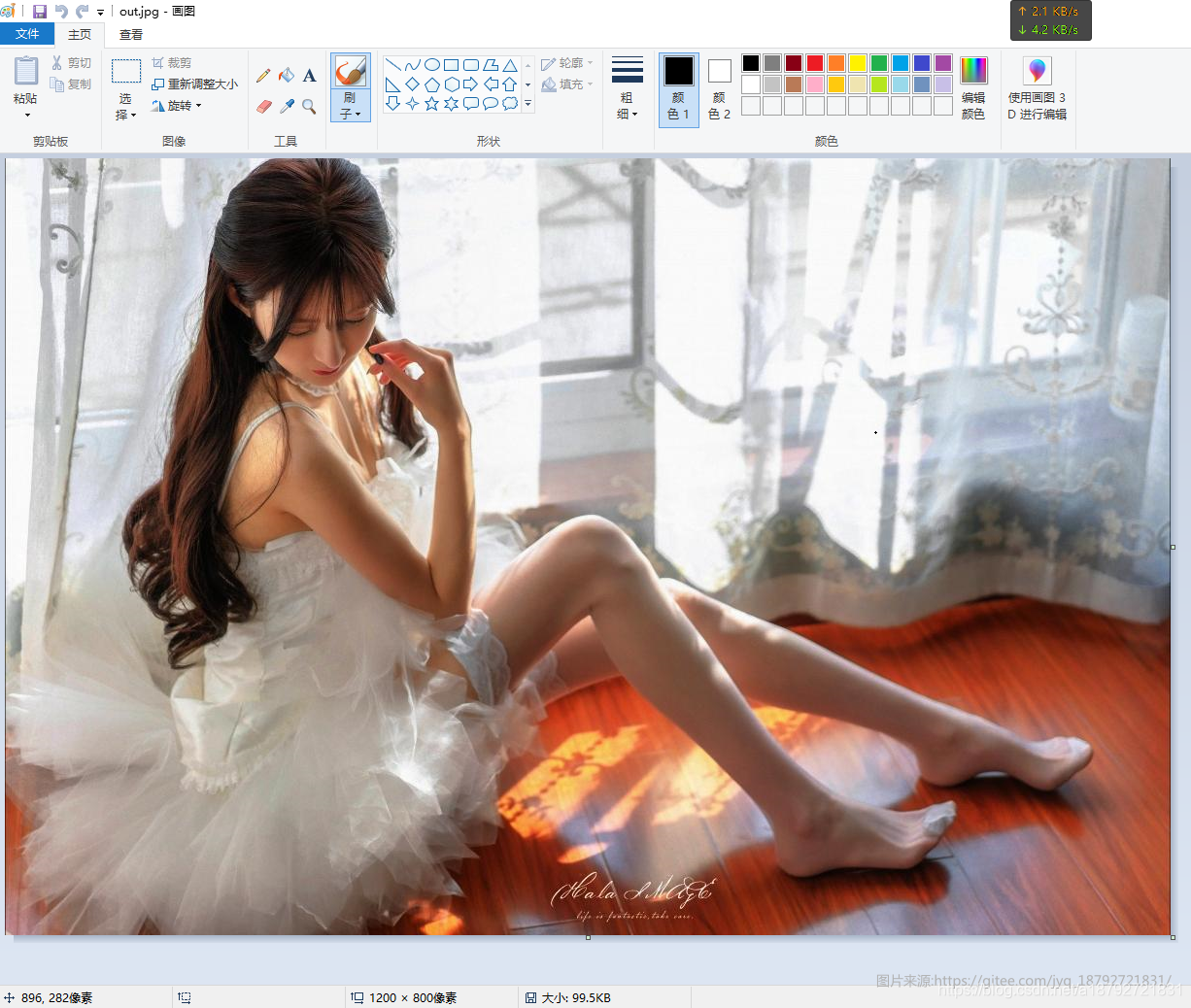
我准备的图片是一张1200*800的图片,jpg格式。
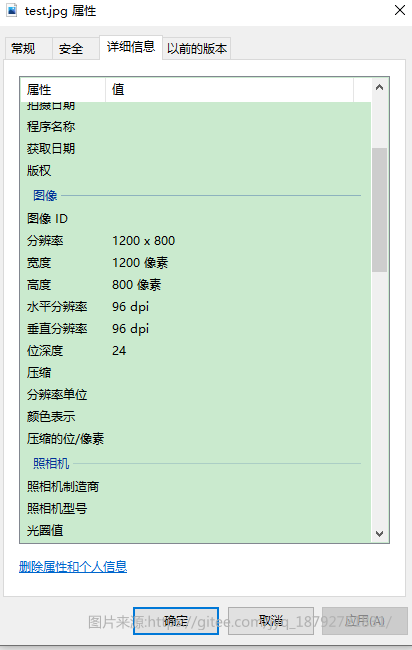
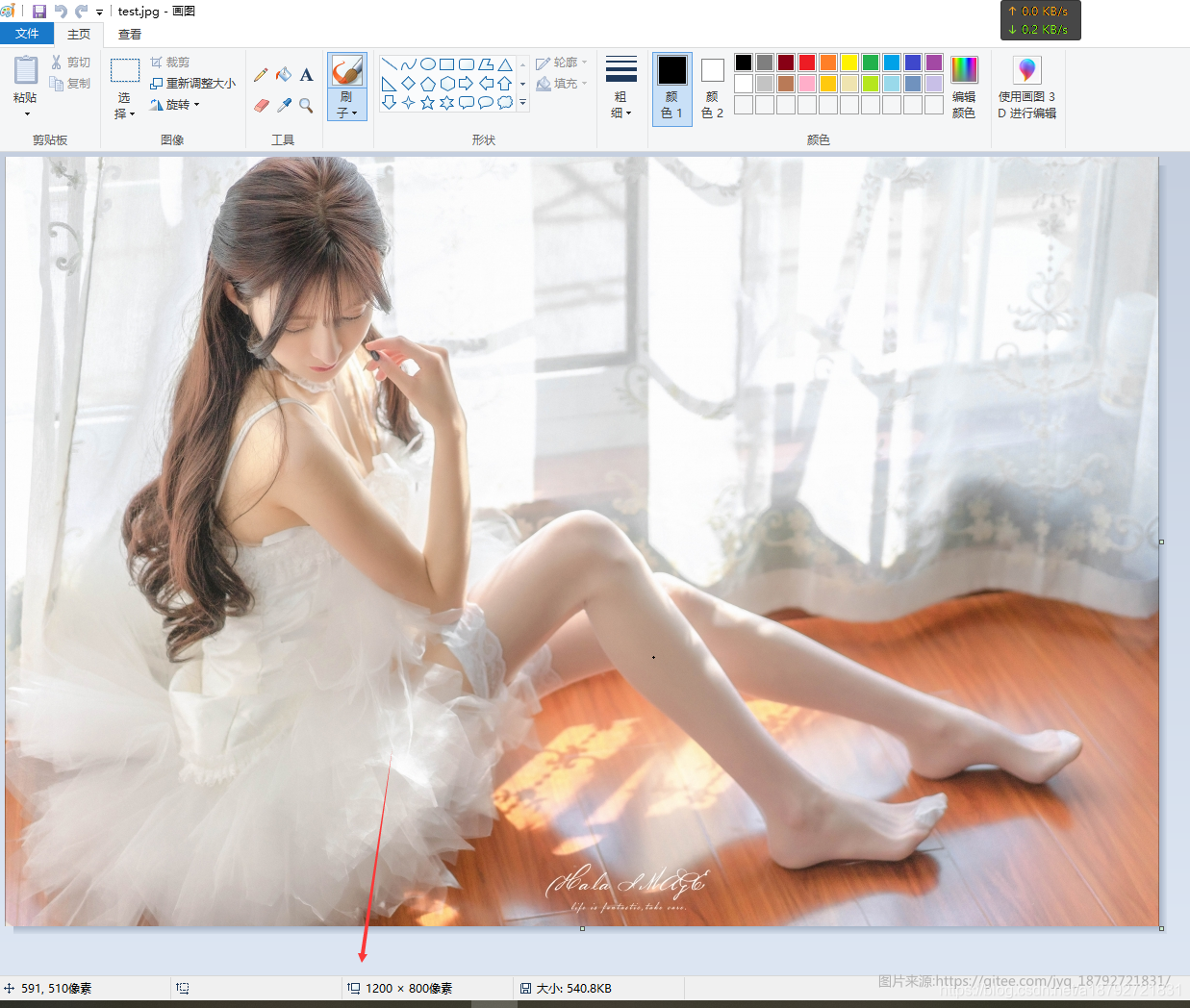
接着,我们转为2000*1100的图片,格式不变。
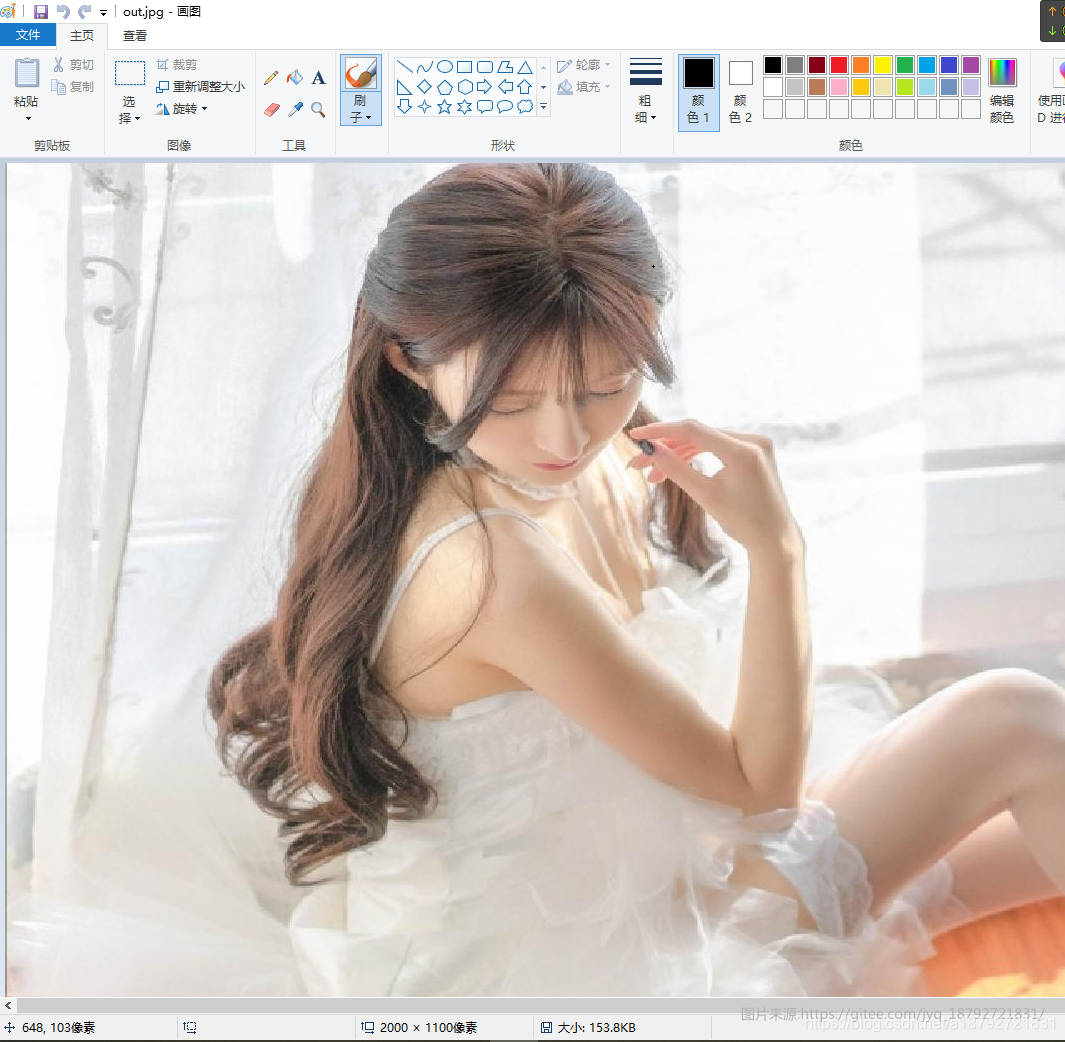
这是放大。
如果是缩小,就修改目标长度和宽度。比如800*400
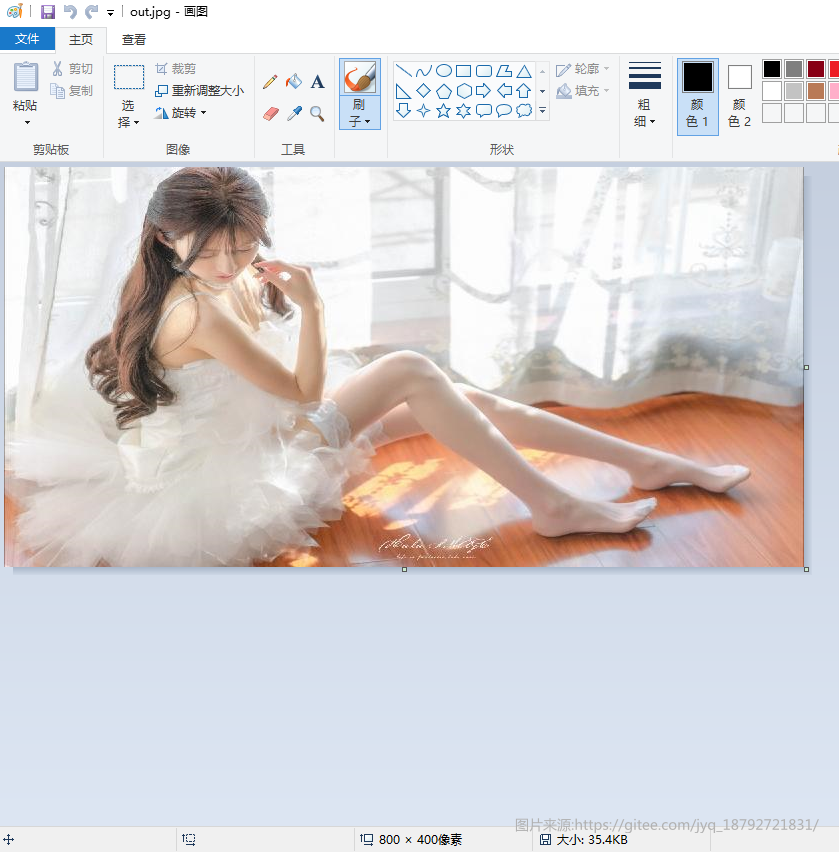
想想,还能做其他的操作吗?
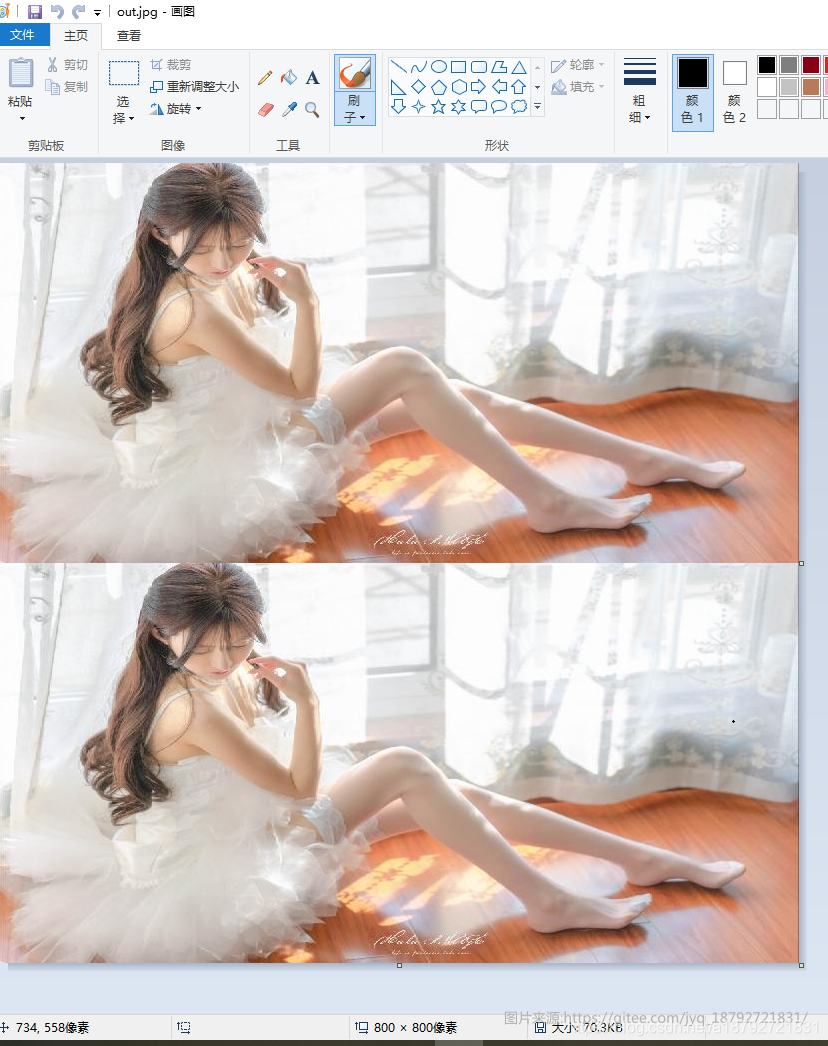
图片分层
比如双层?
1
2
3
4
5
6
7
8
9
10
11
12
13
14
    @Test
    public void testUp1() throws IOException {
        ClassPathResource classPathResource = new ClassPathResource("test.jpg");
        BufferedImage bufferedImage = ImageIO.read(classPathResource.getInputStream());
        BufferedImage image = new BufferedImage(800,800 , bufferedImage.getType());
        Graphics2D graphics = image.createGraphics();
        graphics.drawImage(bufferedImage, 0,0,800,400,null);
        graphics.drawImage(bufferedImage, 0,400,800,400,null);
        graphics.dispose();
        OutputStream outputStream = new FileOutputStream("out.jpg");
        ImageIO.write(image, "jpg", outputStream);
        outputStream.flush();
        outputStream.close();
    }
图片灰度处理
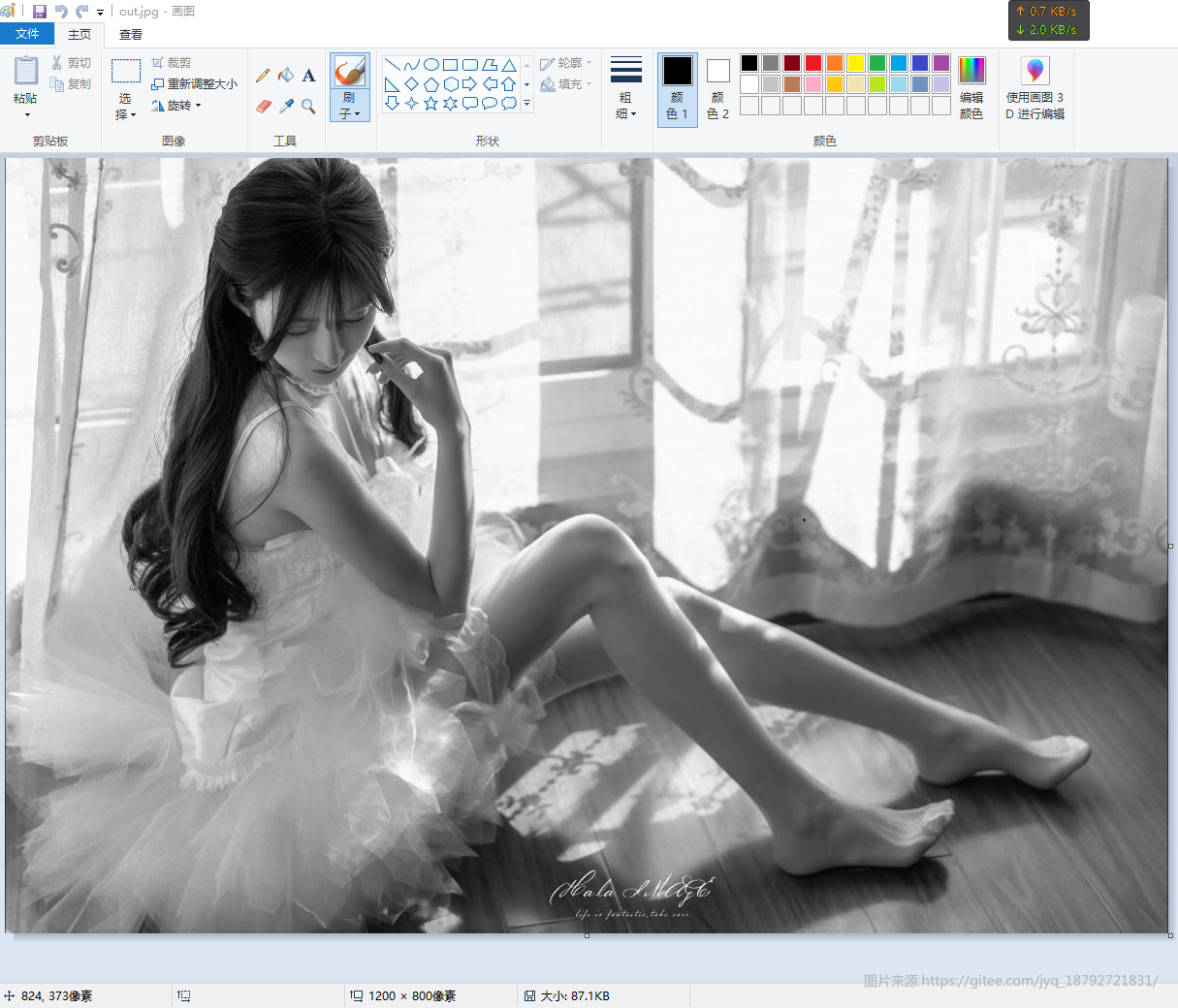
在或者,图片变黑白?
依然是那张美女图。
1
2
3
4
5
6
7
8
9
10
11
12
    @Test
    public void testUp() throws IOException {
        ClassPathResource classPathResource = new ClassPathResource("test.jpg");
        BufferedImage bufferedImage = ImageIO.read(classPathResource.getInputStream());
        ColorSpace space = ColorSpace.getInstance(ColorSpace.CS_GRAY);
        ColorConvertOp op = new ColorConvertOp(space, null);
        BufferedImage image = op.filter(bufferedImage, null);
        OutputStream outputStream = new FileOutputStream("out.jpg");
        ImageIO.write(image, "jpg", outputStream);
        outputStream.flush();
        outputStream.close();
    }
图片变绿色负片
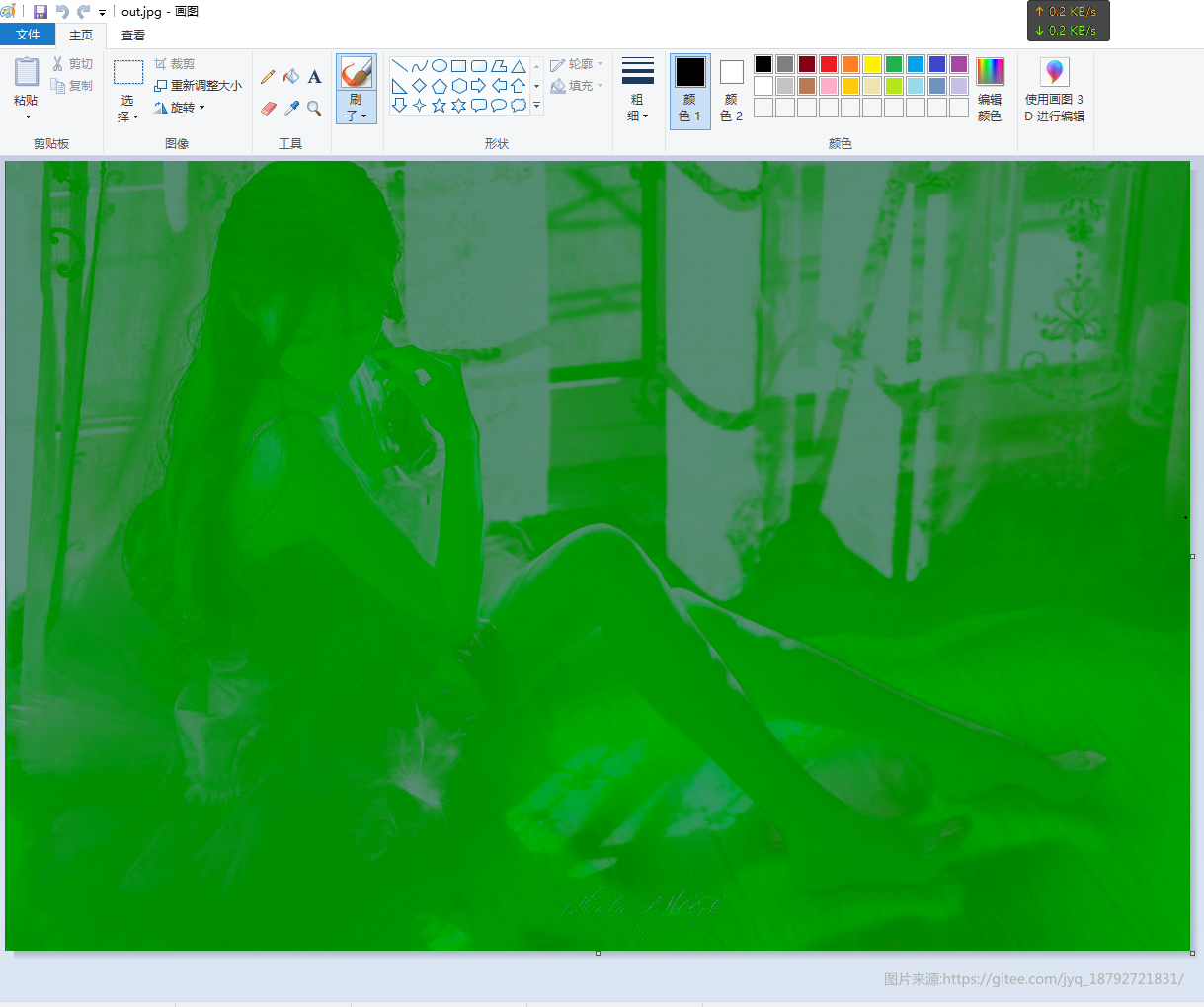
说实话,我不太了解图像相关的知识,所以,如果名字不对,请包涵。
1
2
3
4
5
6
7
8
9
10
11
12
    @Test
    public void testUp() throws IOException {
        ClassPathResource classPathResource = new ClassPathResource("test.jpg");
        BufferedImage bufferedImage = ImageIO.read(classPathResource.getInputStream());
        ColorSpace space = ColorSpace.getInstance(ColorSpace.CS_CIEXYZ);
        ColorConvertOp op = new ColorConvertOp(space, null);
        BufferedImage image = op.filter(bufferedImage, null);
        OutputStream outputStream = new FileOutputStream("out.jpg");
        ImageIO.write(image, "jpg", outputStream);
        outputStream.flush();
        outputStream.close();
    }
图片红化
1
2
3
4
5
6
7
8
9
10
11
12
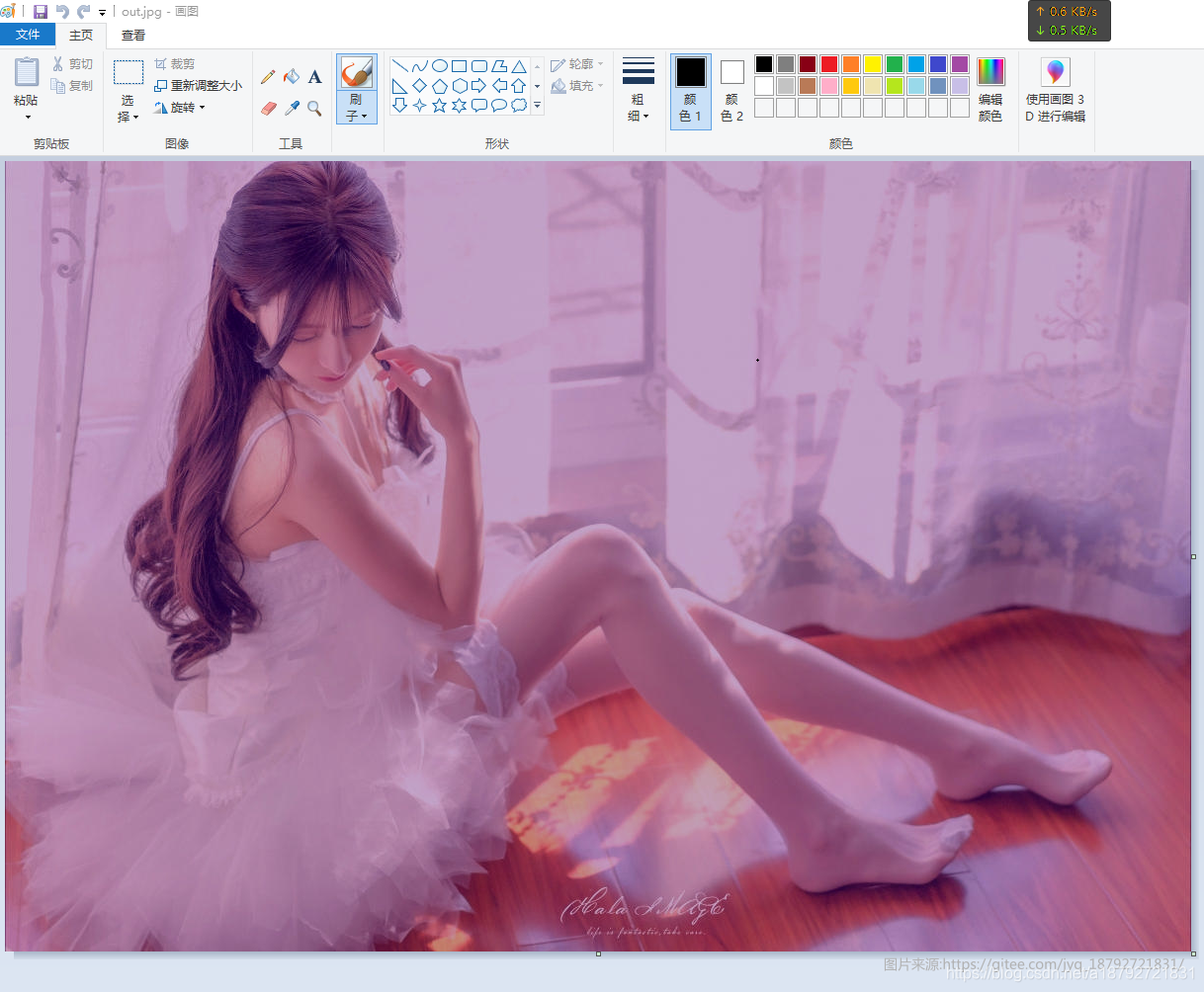
    @Test
    public void testUp() throws IOException {
        ClassPathResource classPathResource = new ClassPathResource("test.jpg");
        BufferedImage bufferedImage = ImageIO.read(classPathResource.getInputStream());
        ColorSpace space = ColorSpace.getInstance(ColorSpace.CS_PYCC);
        ColorConvertOp op = new ColorConvertOp(space, null);
        BufferedImage image = op.filter(bufferedImage, null);
        OutputStream outputStream = new FileOutputStream("out.jpg");
        ImageIO.write(image, "jpg", outputStream);
        outputStream.flush();
        outputStream.close();
    }
图片锐化
1
2
3
4
5
6
7
8
9
10
11
12
    @Test
    public void testUp() throws IOException {
        ClassPathResource classPathResource = new ClassPathResource("test.jpg");
        BufferedImage bufferedImage = ImageIO.read(classPathResource.getInputStream());
        ColorSpace space = ColorSpace.getInstance(ColorSpace.CS_LINEAR_RGB);
        ColorConvertOp op = new ColorConvertOp(space, null);
        BufferedImage image = op.filter(bufferedImage, null);
        OutputStream outputStream = new FileOutputStream("out.jpg");
        ImageIO.write(image, "jpg", outputStream);
        outputStream.flush();
        outputStream.close();
    }
本文由作者按照 CC BY 4.0 进行授权