spring boot 运行时监控actuator
spring boot 运行时监控actuator1. 如何引入actuator2. 加载详细信息3. actuator api介绍git地址1. 如何引入actuator新建一个spring web项目,然后,在gradle依赖中增加 implementation 'org.springframework.boot:spring-boot-starter-actuator' im..._implementation 'org.springframework.boot:spring-boot-starter-actuator
文章信息
- 原文链接:https://jiayq.blog.csdn.net/article/details/104363642
- 发布时间:2020-02-17 20:35:22
- 阅读量:431
- 分类:微服务同时被 2 个专栏收录, 订阅专栏, spring boot
- 标签:#spring boot 监控, #actuator, #boot actuator, #springboot监控使用, #spring boot监控配置
摘要
文章浏览阅读431次。spring boot 运行时监控actuator1. 如何引入actuator2. 加载详细信息3. actuator api介绍git地址1. 如何引入actuator新建一个spring web项目,然后,在gradle依赖中增加 implementation ‘org.springframework.boot:spring-boot-starter-actuator’ im…_implementation ‘org.springframework.boot:spring-boot-starter-actuator
spring boot 运行时监控actuator
- 1. 如何引入actuator
- 2. 加载详细信息
- 3. actuator api介绍
git地址
https://github.com/a18792721831/studySpringCloud.git
1. 如何引入actuator
新建一个spring web项目,然后,在gradle依赖中增加
1
2
3
	implementation 'org.springframework.boot:spring-boot-starter-actuator'
    implementation 'org.springframework.boot:spring-boot-configuration-processor'
    providedCompile 'org.projectlombok:lombok'
等gradle加载完依赖构建后,启动:

然后访问http://localhost:8080/acruator/
将会得到

接着访问http://localhost:8080/actuator/health
得到

2. 加载详细信息
在application.yml中增加
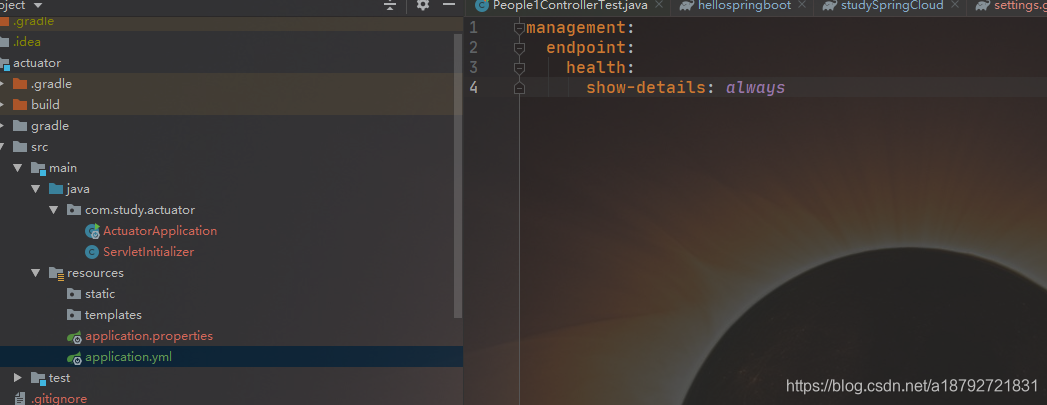
启动
重新访问http://localhost:8080/actuator/health

3. actuator api介绍
Actuator提供了13个api接口,用于监控运行状态的spring boot的状况。
首先在application.yml配置文件中将所有的api全部暴露
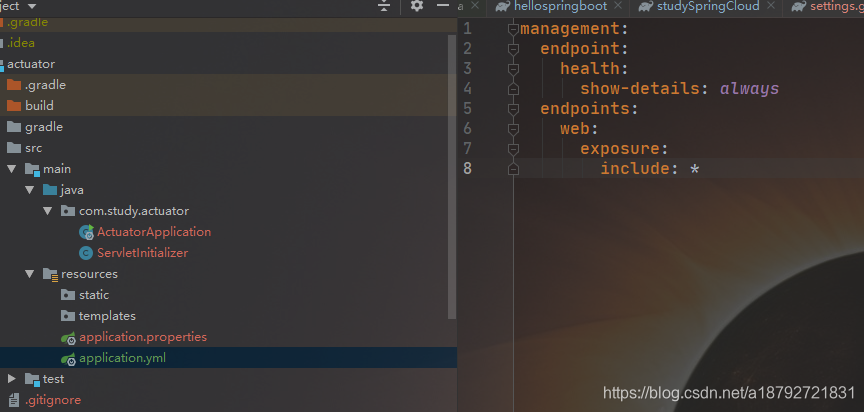

| 类型 | API接口 | 描述 | 示例 |
|---|---|---|---|
| GET | /configprops | 描述配置属性如何注入Bean | 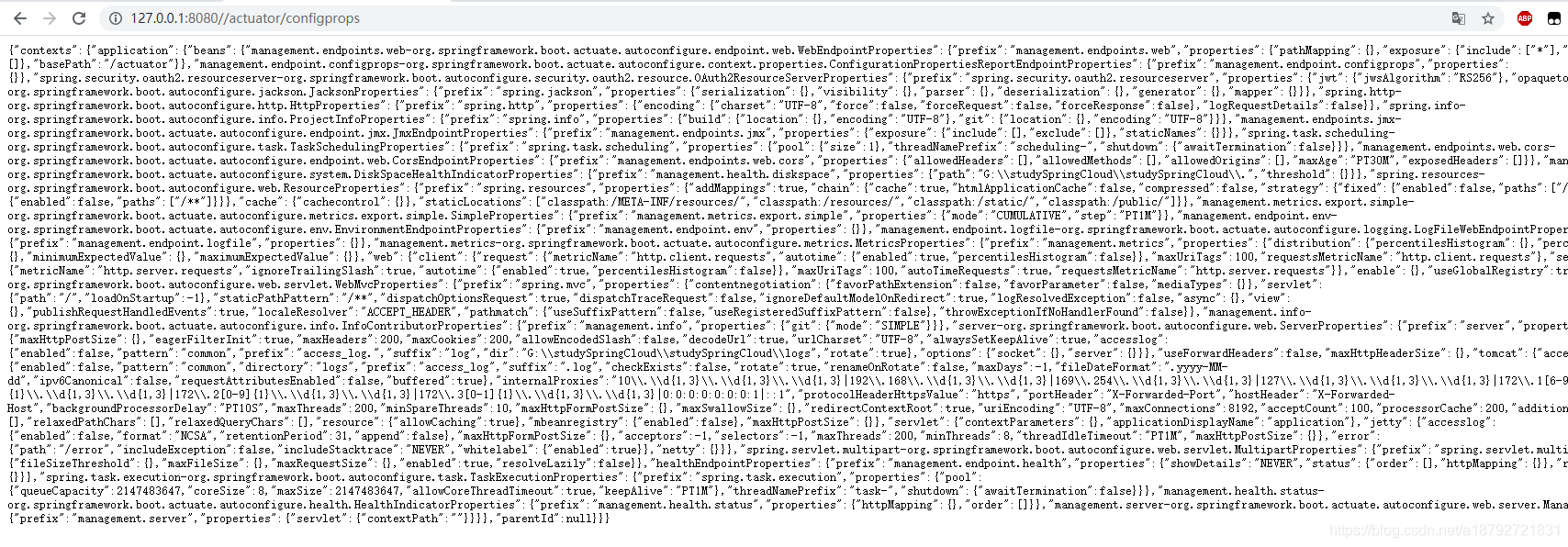 |
| GET | /beans | 描述ing用程序上下文里全部的Beanm以及他们的关系 | 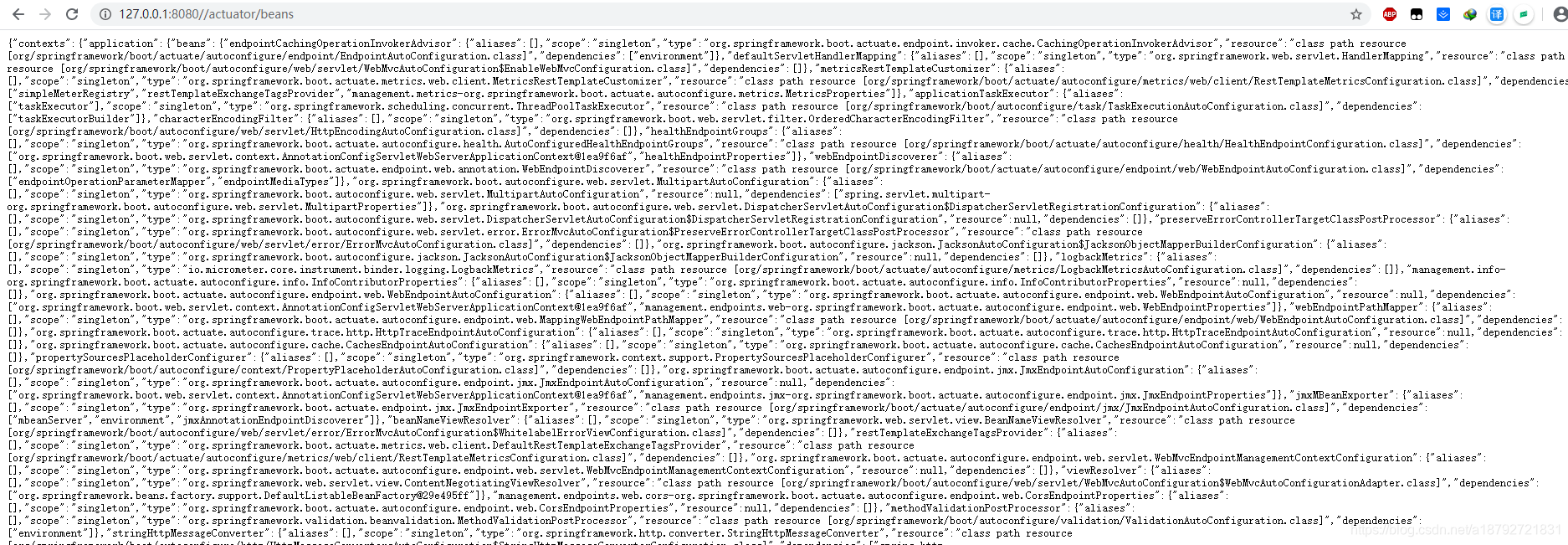 |
| GET | /heapdump | 获取快照 | 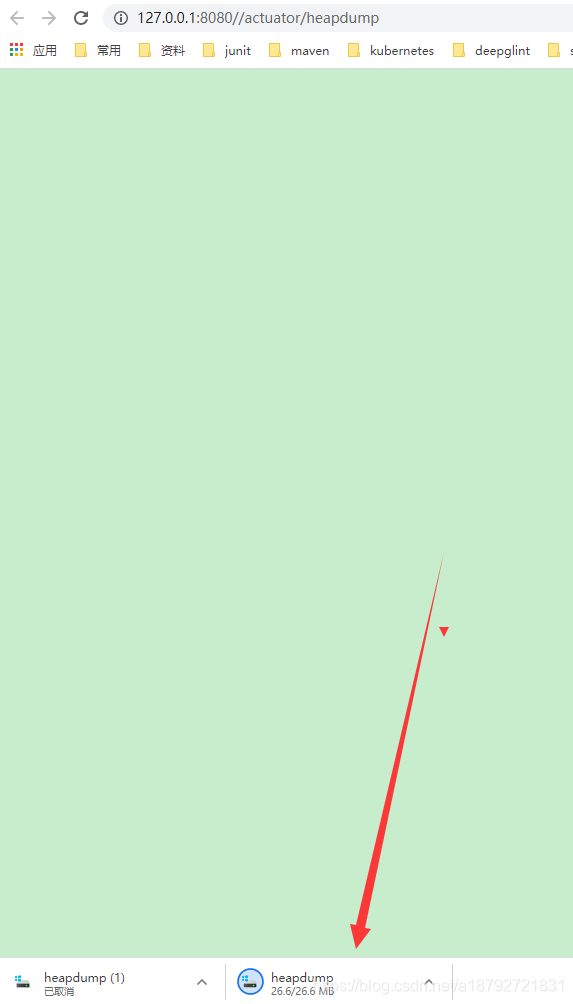 |
| GET | /threaddump | 获取线程活动的快照 | 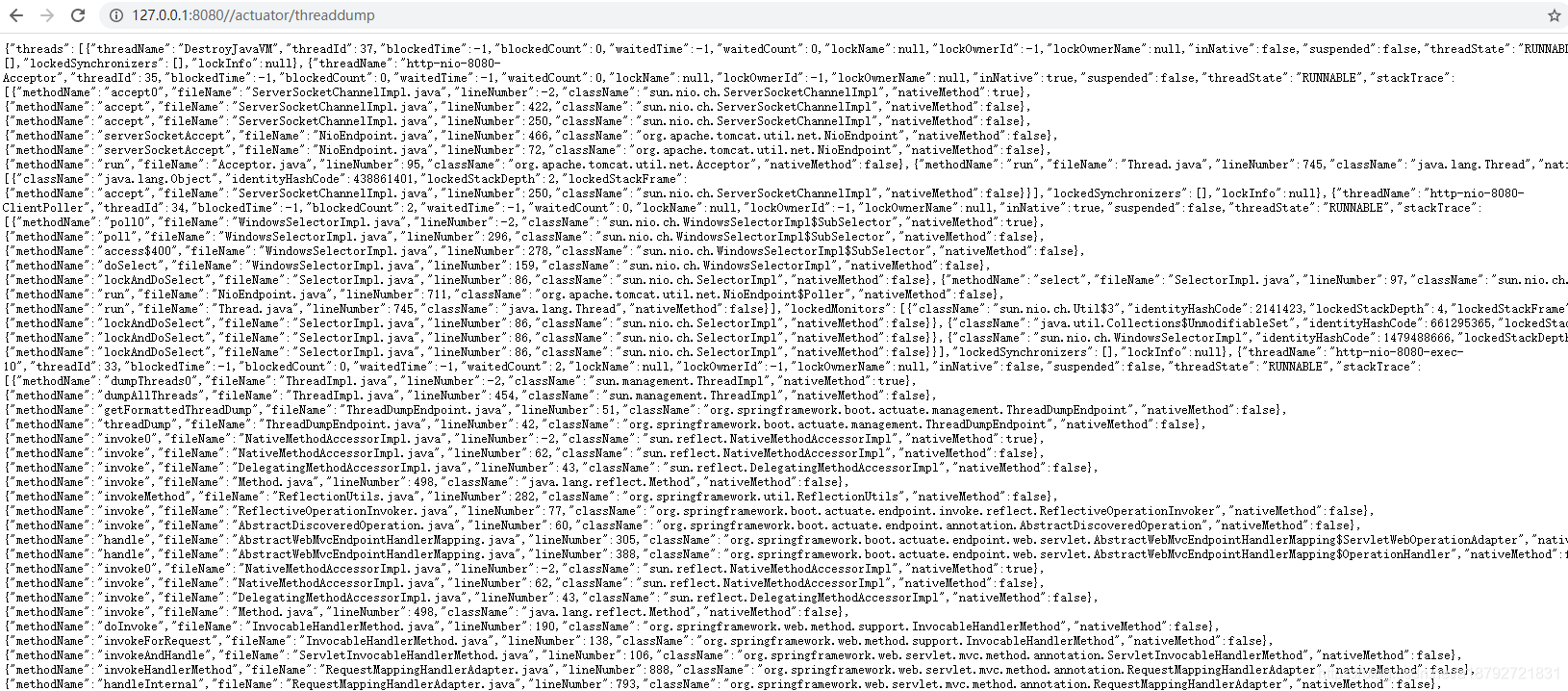 |
| GET | /env | 获取全部环境属性 |  |
| GET | /env/{name} | 根据名称获取特定的环境属性 |  |
| GET | /health | 应用程序的健康指标 |  |
| GET | /info | 获取应用程序的信息 |  |
| GET | /mappings | 描述全部的url以及控制器 |  |
| GET | /metrics | 获取应用程序的全部度量信息 |  |
| GET | /metrics/{name} | 获取程序的指定名称的度量信息 |  |
| GET | /shutdown | 关闭应用程序 | 需要将endpoints.shutown.enabled设置为true |